Command
Velocity.
Every file, every command, and every setting is just a few keystrokes away. Designed for power users who value speed over mouse clicks.
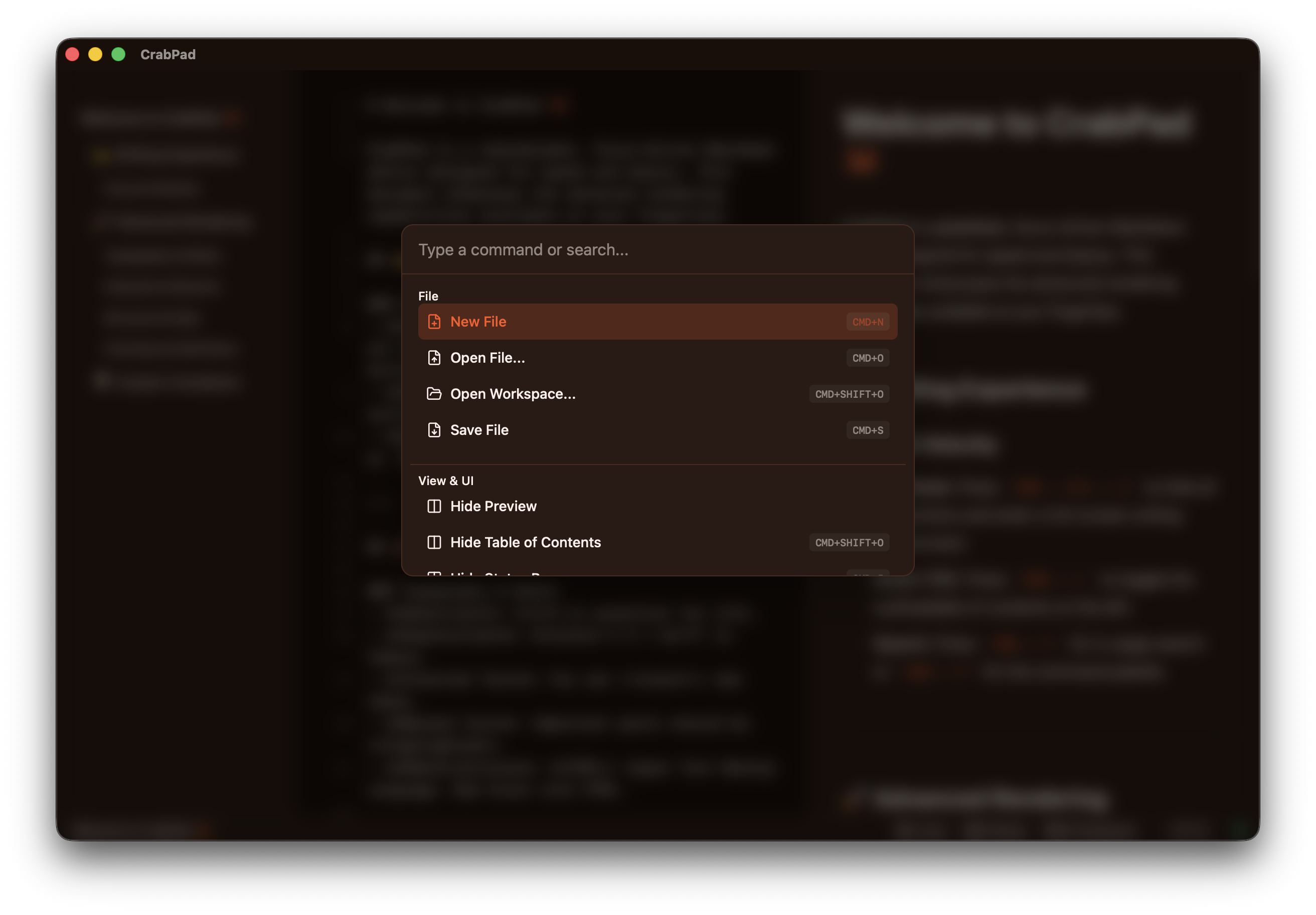
Global Search & Action
The Command Palette is the heart of CrabPad. Need to switch to a different document? Change the theme? Toggle Zen Mode? Just hit CMD+Shift+P and start typing. It's fuzzy-search optimized, meaning you'll find what you need even with typos.
File & Workspace Switching
Forget clicking through complex folder hierarchies. Press CMD+O to see your recent files or search through your entire workspace instantly. Open, create, or close workspaces and add folders — all from the palette.