Now Available • v1.0.8

Write with
Velocity & Focus.

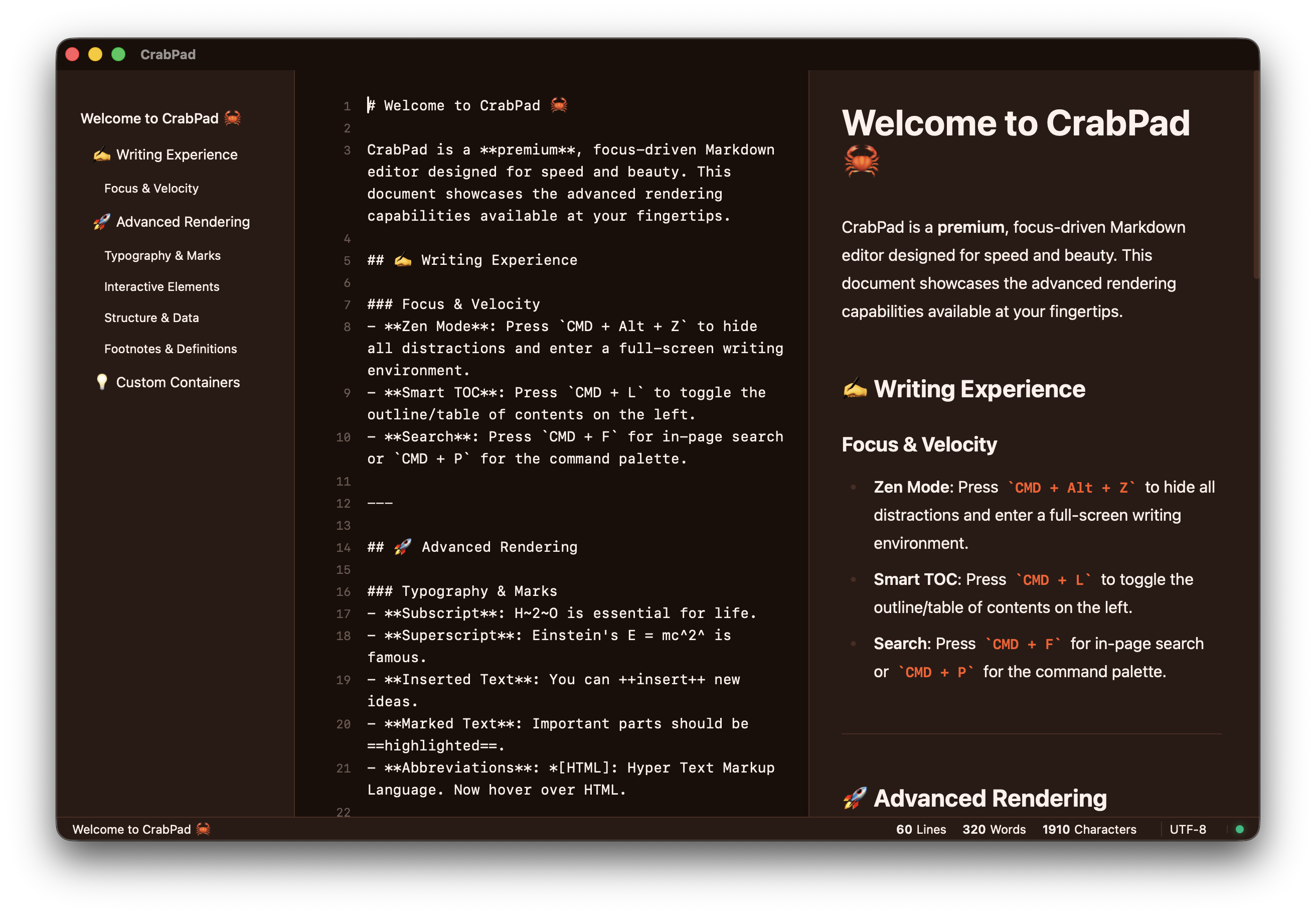
CrabPad combines extreme performance with high-end aesthetics. Designed for writers who demand a premium environment without compromises.

Download CrabPad View all versions
CrabPad App Interface

Built for the Modern Writer.

Every detail in CrabPad is engineered to keep you in the flow. No distractions, just pure performance.

Project Management Session Persistence

Multi-Folder Workspaces

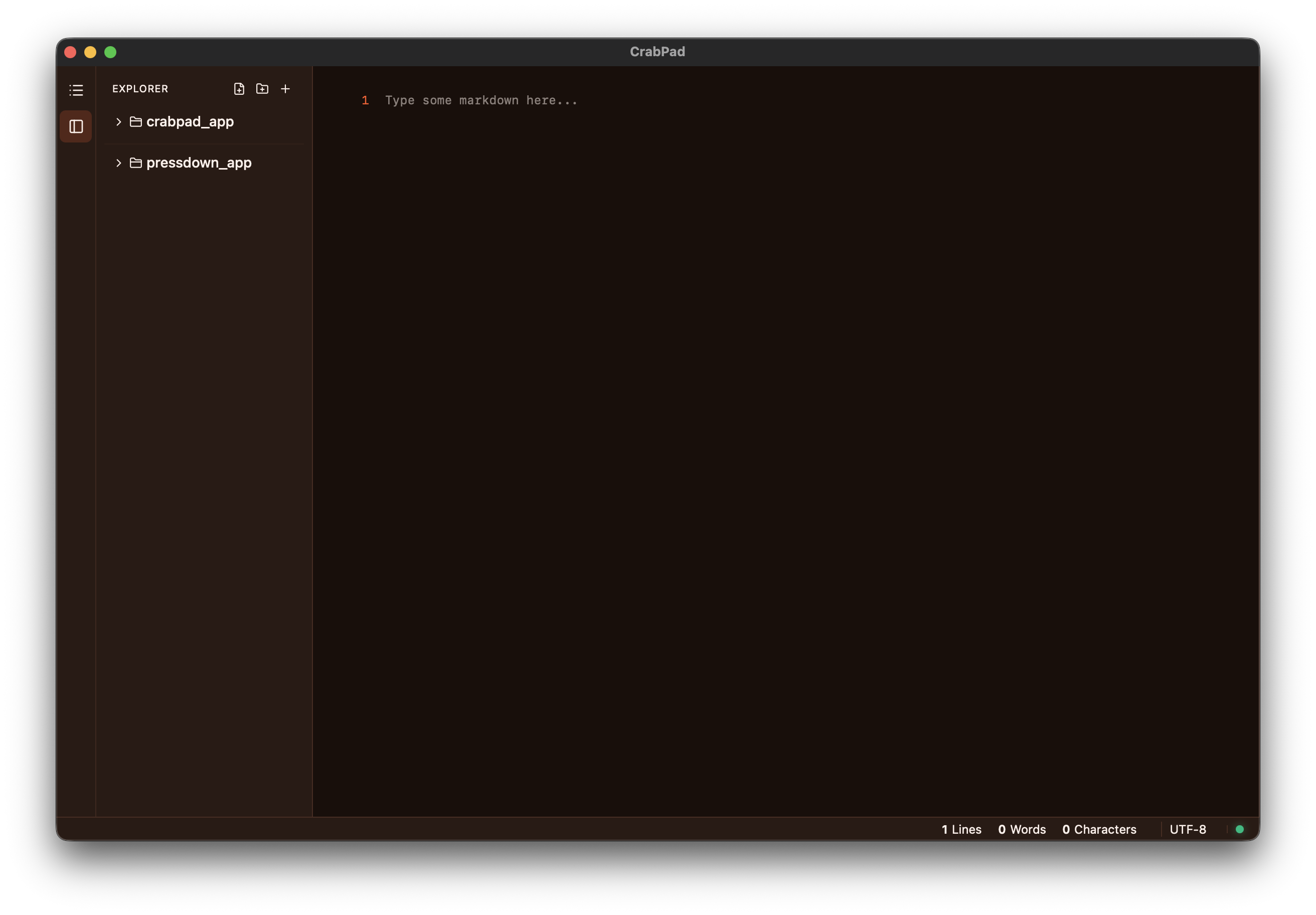
Organize your projects with multi-root workspaces. Define multiple folders in a single .crabpad file, and CrabPad remembers your open tabs, cursor positions, and layout between sessions. Switch projects instantly via the Command Palette or Welcome screen.
Learn more
Multi-Folder Workspaces
Version Control Branch Management

Built-in Git Workflow

Stage files, commit changes, switch branches, and rebase—all without leaving the editor. CrabPad displays file status badges in the explorer and your current branch in the status bar. Choose between System Git or the built-in Git provider.

Learn more
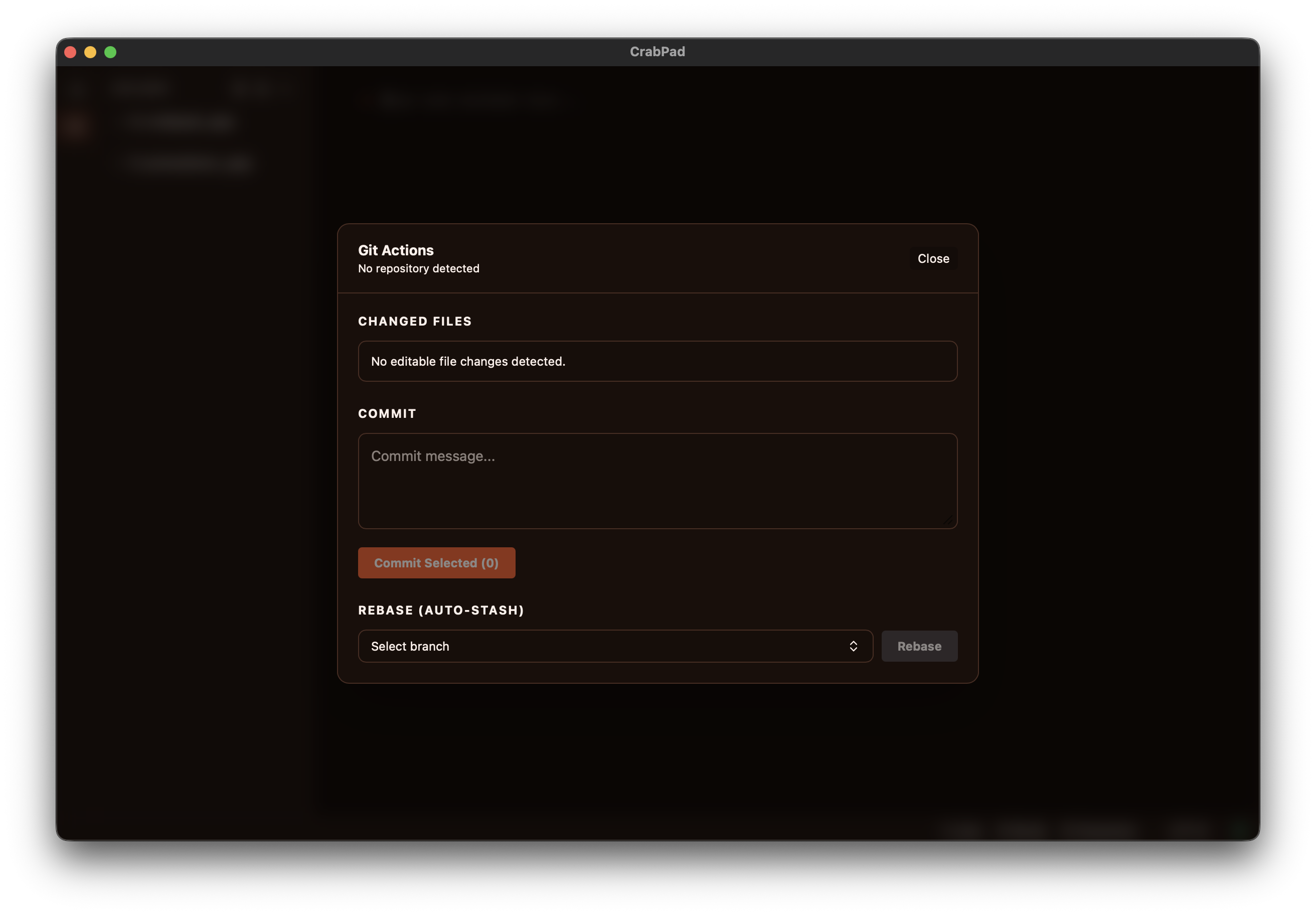
Built-in Git Workflow
Distraction-Free Minimalist

Zen Mode: Pure Focus

Eliminate the noise and immerse yourself in your work. CrabPad's Zen Mode strips away every distraction, leaving only your words and a beautiful, focus-driven environment that respects your flow.

Learn more
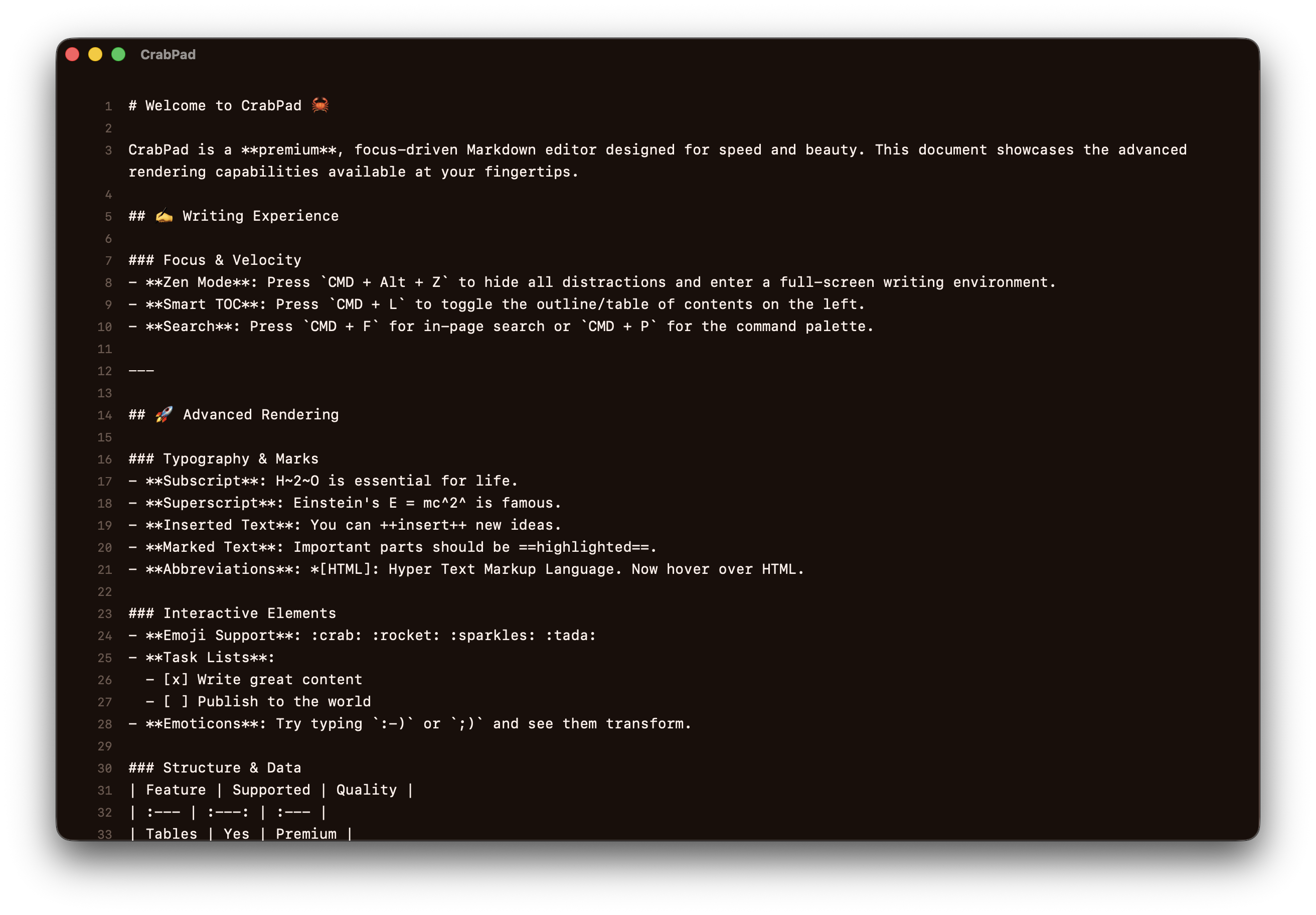
Zen Mode: Pure Focus
Focused Writing Ergonomic

Typewriter Mode

Stay in the zone with Typewriter Mode. CrabPad keeps your active line perfectly centered, so your eyes never have to leave the middle of the screen. Ideal for long writing sessions and deep focus.

Learn more
Typewriter Mode
Zettelkasten Interconnected

Knowledge Graph & Wikilinks

Connect your thoughts with [[wikilinks]] and discover relationships using the Backlinks panel. CrabPad turns your notes into a personal knowledge base, making navigation between ideas seamless.

Learn more
Knowledge Graph & Wikilinks
Keyboard First Fast Navigation

Command Palette Velocity

Never leave the keyboard. Access every file, command, workspace action, and setting with a single keystroke. CMD+Shift+P for Command Palette, CMD+O to open file, and CMD+N for new file.

Learn more
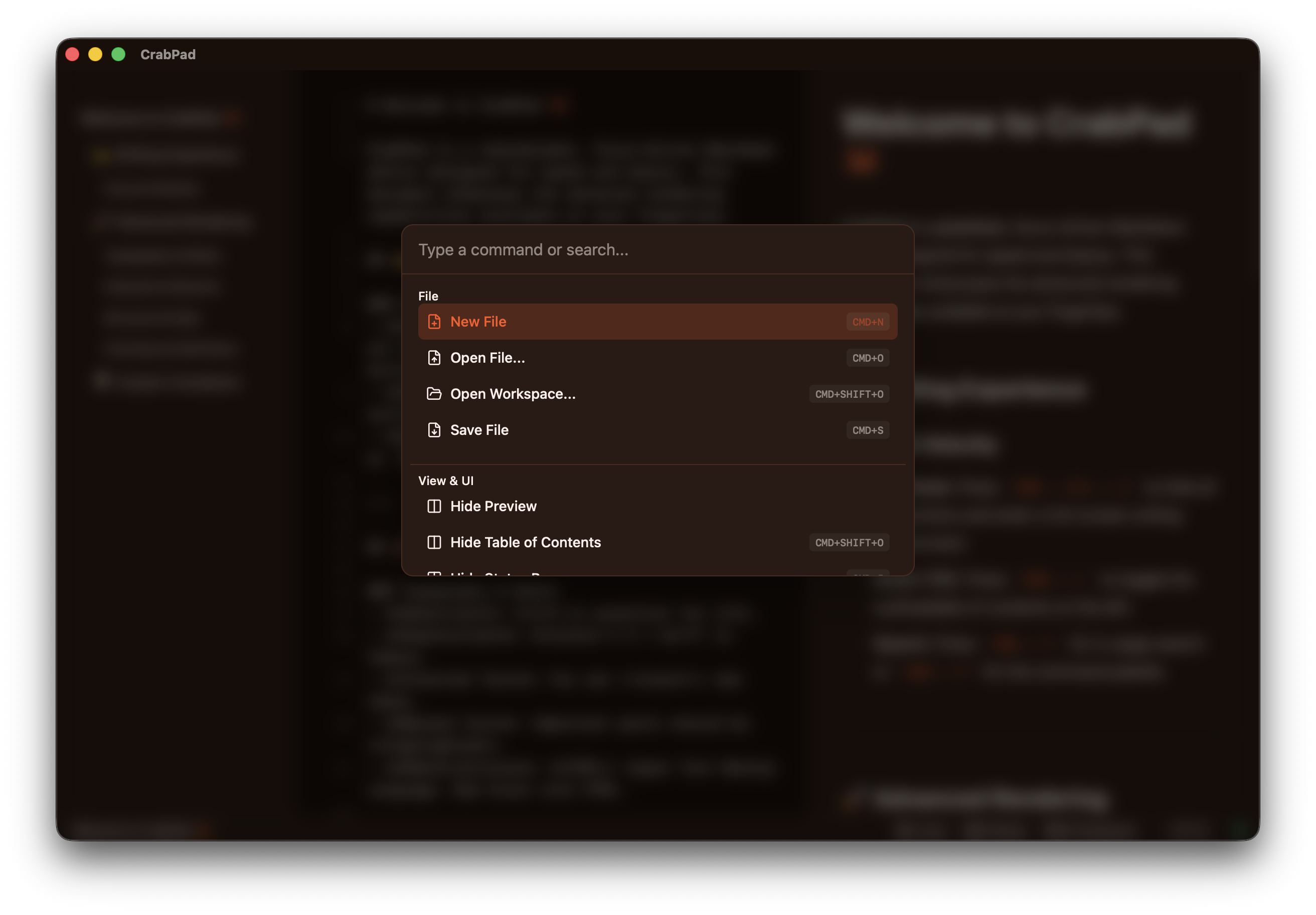
Command Palette Velocity
Rich Rendering Live Preview

Pro Markdown Engine

Experience the most powerful rendering engine. From advanced tables and footnotes to custom admonitions and mathematical formulas—your documents look premium from the first character.

Learn more
Pro Markdown Engine
Local First No Tracking

Privacy by Design

Your data belongs to you. CrabPad is local-first, meaning your files stay on your device. No forced clouds, no subscriptions, just a professional tool that respects your privacy.

Learn more
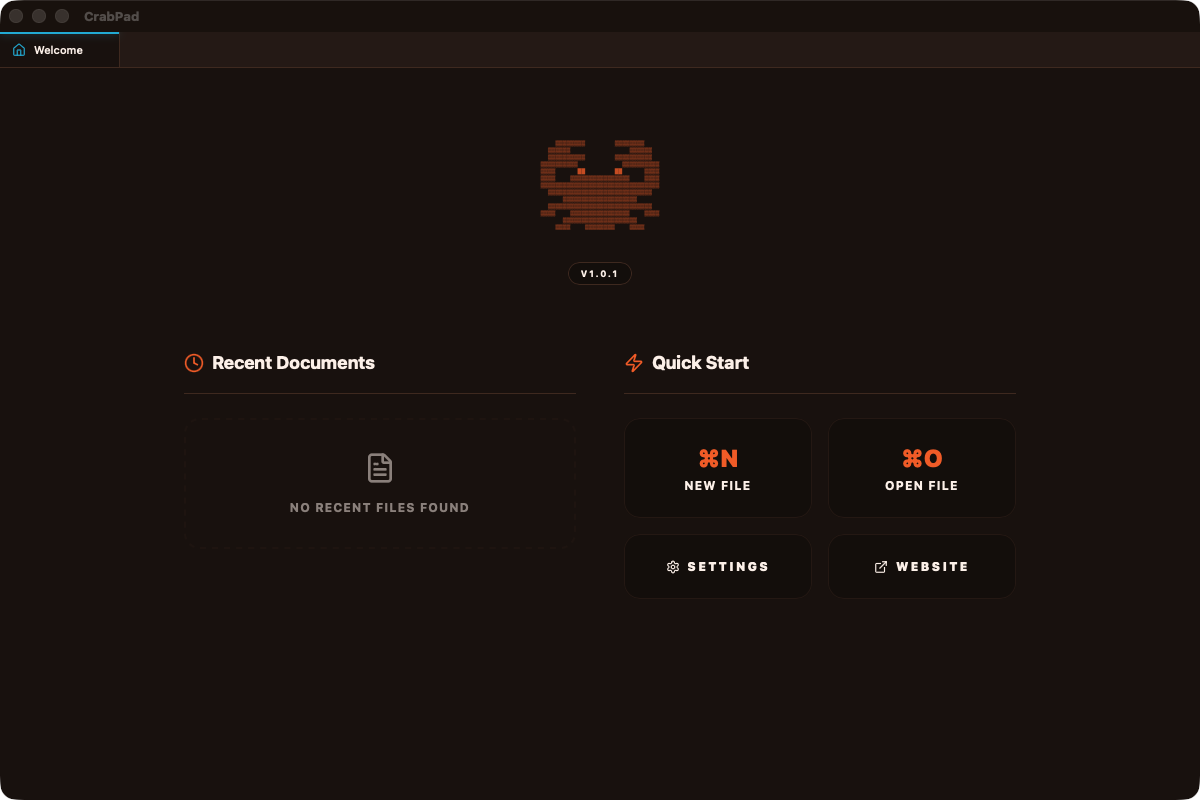
Privacy by Design

Frequently Asked Questions

macOS says CrabPad can't be verified. What do I do?
Recommended: Install via Homebrew to avoid this entirely:
brew install --cask LukaszOleniuk/tap/crabpad

If you downloaded the DMG manually, macOS Gatekeeper may show a warning. To bypass it:

1. Right-click (or Control-click) CrabPad.app in Applications
2. Select Open from the context menu
3. Click Open in the dialog

You only need to do this once. Alternatively, run xattr -cr /Applications/CrabPad.app in Terminal.
Is CrabPad really free?
Yes — completely free with no ads, no subscriptions, and no paywalls. All features are available from day one.
Where are my files stored?
On your device, exactly where you save them. CrabPad is local-first — it doesn't upload, sync, or copy your files anywhere. Your documents are standard .md files you can open with any text editor.
Does CrabPad collect any data?
The app itself does not collect or transmit any personal data. The only network request it makes is an optional update check to crabpad.app/update.json on startup. The website uses Google Analytics for basic page view statistics.
How do updates work?
CrabPad checks for updates automatically on startup. When a new version is available, you'll see a prompt with release notes and a progress bar for the download. The app restarts automatically after installation. You can also check manually via the Command Palette. On macOS, you can update via brew upgrade --cask crabpad.
Which Markdown extensions are supported?
CrabPad supports GFM tables, footnotes, task lists, KaTeX math formulas, Mermaid diagrams, admonitions (callout boxes), abbreviations, definition lists, subscript, superscript, and emoji shortcodes.
What are workspaces?
A workspace lets you group multiple folders into a single project. CrabPad saves the configuration in a .crabpad file and remembers your open tabs, cursor positions, and sidebar state between sessions. Create one via CMD+Shift+PCreate Workspace.
Does CrabPad support Git?
Yes — CrabPad has a built-in Git workflow. You can view file status badges in the explorer, see your current branch in the status bar, switch branches, stage files, commit changes, and rebase with auto-stash — all without leaving the editor. Configure the Git provider in Settings.
Can I customize keyboard shortcuts?
Yes — open Settings (CMD+,) and go to the Keybindings section. Click any shortcut to record a new one. You can also reset all keybindings to defaults.
I found a bug or have a feature request. How can I report it?
Use the contact form on this website. Your message goes directly to the developer. Please include as much detail as possible — OS version, steps to reproduce, and what you expected to happen.

Ready to elevate
your writing?

Start Writing Now