Built-in
Git Workflow.
Track changes, switch branches, and commit — all without opening a terminal. CrabPad brings version control into the writing experience itself.
File Status at a Glance
Modified, untracked, and staged files are marked with status badges right in the sidebar explorer. Your current branch name sits in the status bar so you always know where you are.
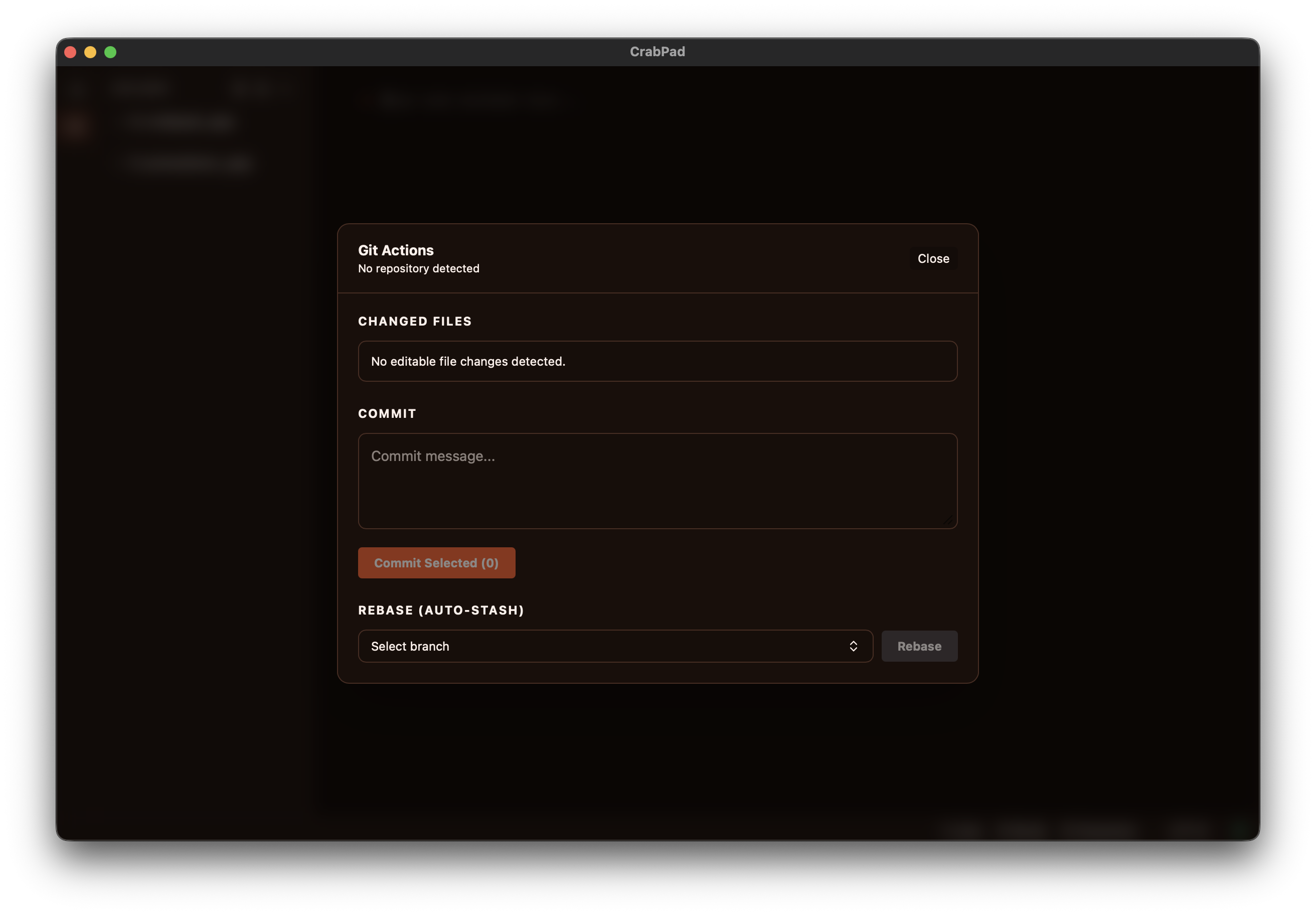
Stage, Commit & Rebase
The Git Actions panel lets you select files to stage, write a commit message, and push — or rebase onto another branch with automatic stash handling. It's everything you need for a daily writing-and-versioning workflow.
Branch Switching
Click the branch name in the status bar or use the Git Actions panel to switch branches instantly. CrabPad auto-refreshes open files after checkout so you're always looking at the correct version.
Flexible Git Provider
Choose between your system's Git installation or CrabPad's built-in Git provider. The app checks availability automatically and falls back gracefully if one provider is unavailable.